Elden Ring: Nightreign is built around quick, session-based co-op, so getting stopped by a connection popup before your Expedition even starts is especially annoying. And yes, a connection error occurred Elden Ring Nightreign has become one of the big troubleshooting searches of 2026 for a reason. The message can show up on the title screen, during login, or after you're already in a run, and those cases do not all point to the same problem. Sometimes it's server maintenance. Sometimes it's a bad local network state. Sometimes it's something as dumb as a regulation file not syncing properly. This guide keeps it practical and gets you back to co-op as fast as possible.
A Connection Error Occurred Elden Ring Nightreign — Quick Diagnosis
The first thing you need to pin down is when the error appears. That timing tells you more than the popup itself. Players usually hit it in one of three places: right at launch before the title screen fully loads, during the login handshake with FromSoftware's servers, or mid-Expedition after the session has already started.
That split matters. A launch-time failure often points to local files, anti-cheat, or hardware issues. A login failure is more likely tied to server status, regulation sync, or platform services. A disconnect in the middle of an Expedition usually leans toward network instability, session degradation, or a known post-patch issue.
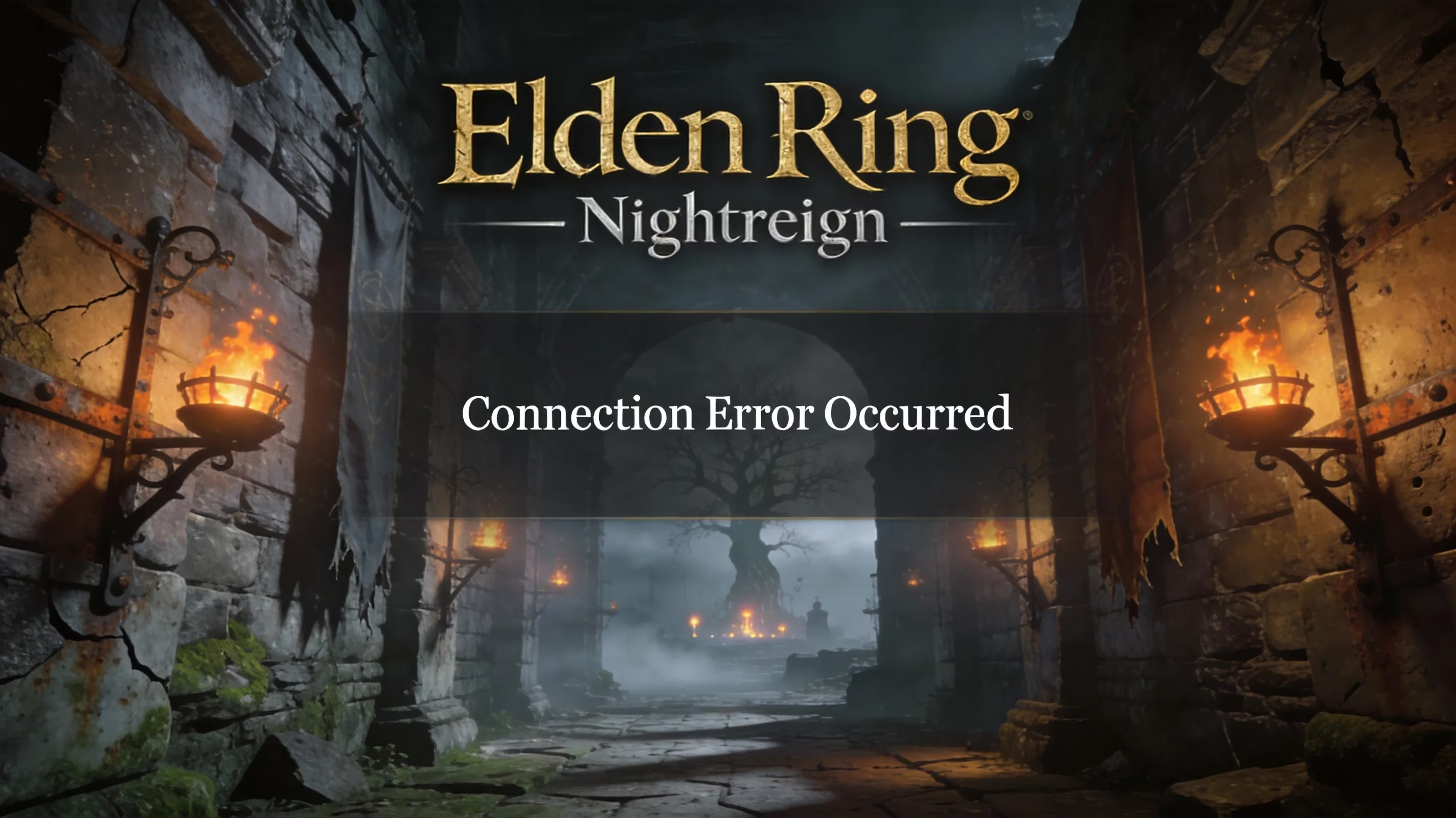
Before you start changing settings, check the Bandai Namco server status page and community outage trackers. During the worst outage periods in March 2026, reports climbed to as many as 76 in a 24-hour window, and about 84 percent of complaints were server-connection related. If everyone is suddenly reporting the same thing, the problem is probably upstream. In that case, waiting is honestly the right move.
Hotfix 1.03.5, released on March 31, 2026, is also a big part of this conversation. Before that hotfix, repeated actions during multiplayer Expeditions could drag down performance across the whole session and eventually cause a timeout that showed up as the standard a connection error occurred Elden Ring Nightreign message. So if you're still on older regulation data, co-op can feel broken even when the servers themselves are fine.
Elden Ring Nightreign Server Status and Patch Sync
Nightreign uses two version numbers, and you need both to line up. The App Ver. 1.03.2 is the actual game client version you download. The Regulation Ver. 1.03.5 is separate and can update from the server without a normal patch download.
This is where a lot of players get tripped up. You can have the correct app version installed and still fail online because your regulation file is outdated. If that happens, matchmaking and login can break even though the game itself launches normally.
On Steam, the regulation file updates when you select LOGIN on the title screen. The same applies on PS4, PS5, Xbox One, and Xbox Series X|S. If the lower-right corner of the title screen does not show Regulation Ver. 1.03.5, go to LOGIN and let the sync finish before you try any multiplayer activity.
Maintenance windows can look almost identical to a local connection problem. Login hangs, Expeditions do not form, and backing out to the main menu changes nothing. FromSoftware usually gives advance notice on official channels, and the Bandai Namco status page will show degraded service. If maintenance is active, local troubleshooting is pretty much wasted effort.
A Connection Error Occurred Elden Ring Nightreign — Fix Steps
Start broad, then narrow down. In most cases, simply closing the game is not enough. Do the full reset sequence instead:
-
Close Nightreign completely
-
Sign out of your platform service
-
Power-cycle your router and modem
-
Wait a full 60 seconds
-
Restart the platform
-
Relaunch the game
That process clears stale session tokens both on your side and through the ISP connection pool. It sounds basic, but it fixes more cases than people expect.
Once your network is stable again, check the Out-of-Region Matchmaking setting for everyone in the group. Go to Main Menu → System → Network and confirm the toggle matches across all party members. If one player has it set differently, the matchmaking handshake can fail before the game gives you a useful error.
If you're testing connection issues, use wired Ethernet if you can. Wi-Fi packet loss is one of the biggest causes of mid-Expedition disconnects, and it's frustrating because it can be inconsistent enough to look like a server bug.
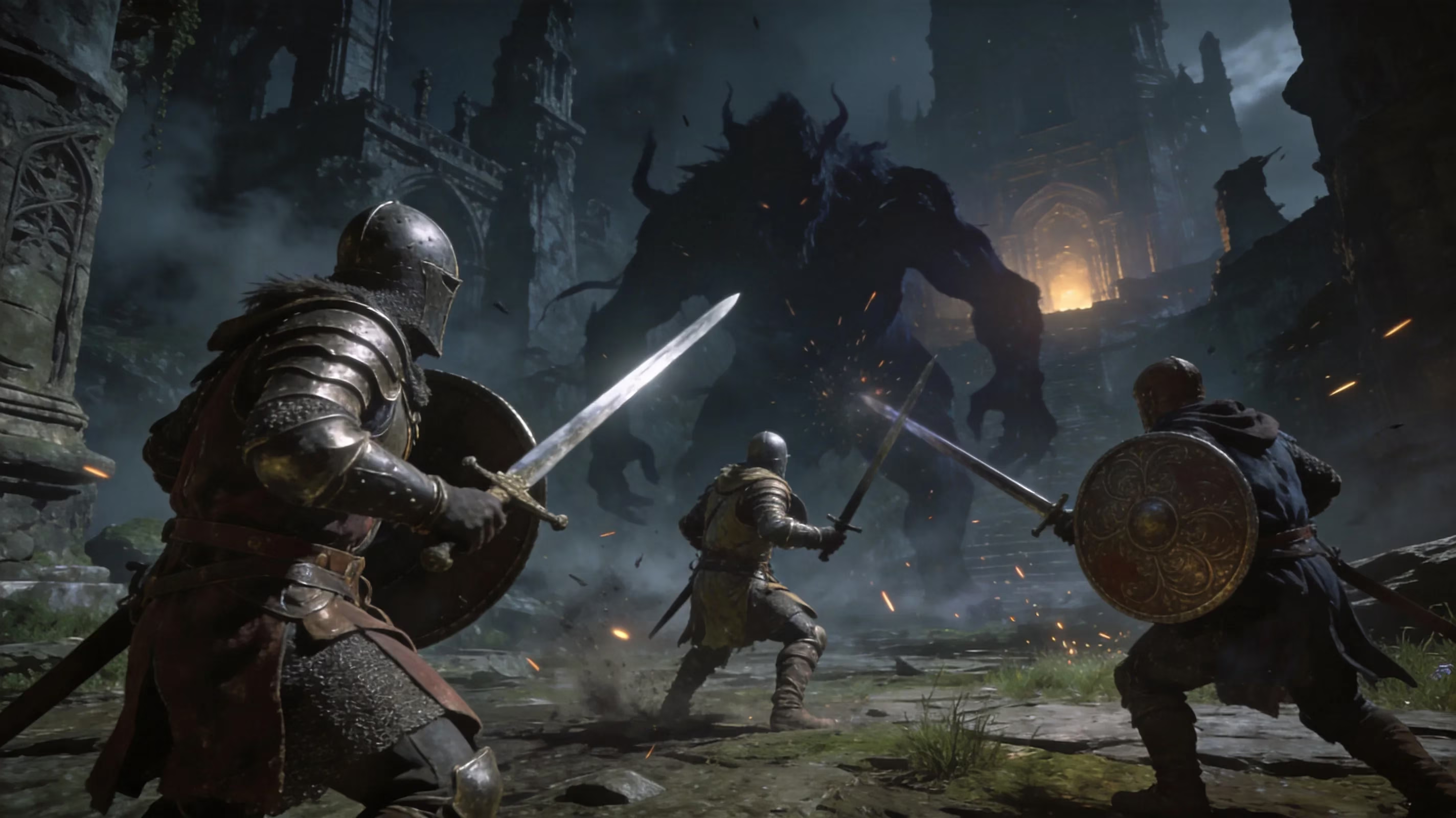
There are also two easy-to-miss settings that block co-op all the time:
-
Multiplayer Mode must be selected in the expedition menu, not a solo variant
-
Session password must match exactly, including capitalization
That second one catches a lot of groups. "Nightfall" and "nightfall" are not the same password.
PC and Steam
On PC, start with a file integrity check through Steam. Corrupted local files can stop Easy Anti-Cheat from initializing correctly, which leads to an immediate connection error before the game even reaches the server. After verification, relaunch EAC from its dedicated executable in the game folder instead of relying only on Steam.
Firewall and antivirus conflicts are another common cause. Both eldenring.exe and eac_launcher.exe need proper inbound and outbound exceptions. If EAC gets blocked, Nightreign can fail at login in a way that looks like a server issue when it really isn't.
Overlay software is also worth disabling during testing. Discord overlay, NVIDIA GeForce Experience, and similar tools can interfere with EAC's process injection. Not always, but often enough that it's worth ruling out early.
Linux players using Proton have a more specific problem. Community reports show the EAC splash on Bazzite and similar distributions for only a split second, then the game reaches the information server and immediately drops with the a connection error occurred Elden Ring Nightreign message after the info tab closes. Switching Proton versions or reinstalling usually does not solve it. The issue appears tied to EAC attestation failing through the Proton compatibility layer, so for now, affected players may need to run the game natively on Windows until EAC or driver support catches up.
PS5 and Xbox
On console, check NAT type first. A NAT Type 3 on PlayStation, or the Xbox equivalent of Strict NAT, can block the peer-to-peer handshake Nightreign uses to form sessions. In many cases, enabling UPnP in your router settings is enough to move that to Open or Moderate and restore matchmaking.
You should also check PSN or Xbox service status before going deeper. Platform-level outages can throw errors that look exactly like Nightreign server failures, so it makes no sense to troubleshoot your home network if PSN or Xbox Live is the real problem.
Clearing the console network cache is quick and worth doing. On PS5, fully power down, unplug the power cable for 30 seconds, then boot back up. On Xbox, go to Settings → General → Network Settings and use the built-in troubleshooter, which also shows your NAT type in real time.
After any network reset, go back to the Nightreign title screen and select LOGIN again. That regulation re-sync is essential before you queue for another Expedition.
Elden Ring Nightreign Matchmaking Rules Blocking Connections
Not every failed connection is actually a network failure. Nightreign has a few matchmaking rules that quietly block session creation, and because the game often does a poor job explaining why, players assume the servers are down when the issue is really just a mismatch.
| Requirement | Detail |
|---|---|
| Platform parity | All party members must be on the same platform; cross-platform play is not supported |
| Password case sensitivity | Passwords are exact-match; "Nightfall" and "nightfall" are different passwords |
| Session mode | The expedition menu must be set to Multiplayer Mode for co-op to function |
| Boss target alignment | All members must have the same Night Lord targeted as the Expedition objective |
| Game version | Every player must be on the same App Ver. and Regulation Ver. |
The Remembrance system adds one more restriction, and this one is easy to miss because it is not documented especially well. Only one party member can actively pursue a personal Remembrance objective on Limveld at a time. If multiple players have a Remembrance mission active in their Journal, matchmaking will reject the session.
If that is the issue, the affected player needs to open the Journal in Roundtable Hold and deactivate the Remembrance mission before the summon starts.
Persistent Elden Ring Nightreign Connection Error Cases
Some connection errors stick around even after you do all the normal fixes. One of the clearest patterns reported after the March 2026 maintenance window was a disconnect happening almost exactly two to three minutes after login, regardless of server status or connection quality. That points to a session token refresh problem rather than a normal network drop.
The workaround here is specific: fully shut down the game and relaunch it. Do not just return to the main menu and reconnect. The in-game reconnect attempt appears to reuse the expired token, which is why the error keeps repeating.
Expedition performance degradation was the exact bug Hotfix 1.03.5 was meant to address. If your group still gets slower over time and then crashes out with a connection error, verify that all three Nightfarer party members are on Regulation Ver. 1.03.5. One outdated player is enough to drag the whole session back into that degradation loop.
There is also a separate launch-level issue affecting Intel integrated graphics users. Players on Intel UHD Graphics with 13th-generation Core processors have reported a persistent white-screen crash on startup, which means the game never even reaches the server connection stage. Intel support has confirmed that Intel UHD iGPU does not meet Nightreign's minimum rendering requirements, and as of mid-2026 there is no driver-side fix. If your system has a discrete GPU, force the game to use it. Otherwise, you will need to contact FromSoftware support about hardware compatibility.
If you do end up filing a Bandai Namco support ticket, include real evidence. The most useful checklist looks like this:
-
Screenshot of the title screen showing both App Ver. and Regulation Ver.
-
Exact error message text
-
What you were doing in-game when it appeared
-
Platform and network setup, including NAT type
-
Timestamp of the first occurrence, especially relative to any maintenance window
Detailed tickets with version info get meaningfully faster responses than vague "can't connect" reports.
Conclusion
Fixing a connection error occurred Elden Ring Nightreign is mostly about checking things in the right order. Start with server status and maintenance. Then confirm App Ver. 1.03.2 and Regulation Ver. 1.03.5 on the title screen, using LOGIN to force a sync if needed. After that, do the full restart sequence for the game, platform, and router. Then check the usual matchmaking blockers: password case, mode selection, boss target, and cross-region settings. Finally, handle the platform-specific stuff like EAC and firewall rules on PC or NAT and UPnP on console.
If the servers are clearly degraded, just wait it out. Historically, FromSoftware outages tend to clear within a few hours, and hammering reconnect during an active incident can make things worse by stacking failed authentication attempts. But if you work through the steps methodically, most players can get back into Nightreign co-op in well under 30 minutes.